Compatible devices
The JBA AI app works well on most recent smartphones with performance suitable for a smooth guided experience.
Begin with the phone you already have. Check compatibility, review the permissions you may need and start building your personal history one step at a time.

Compatibility can depend on your device, operating system, region and app version. Please check the current requirements before starting with the JBA AI app.
The JBA AI app works well on most recent smartphones with performance suitable for a smooth guided experience.
Newer versions of iOS and Android usually deliver a more stable experience. Some very old operating systems may not be fully supported.
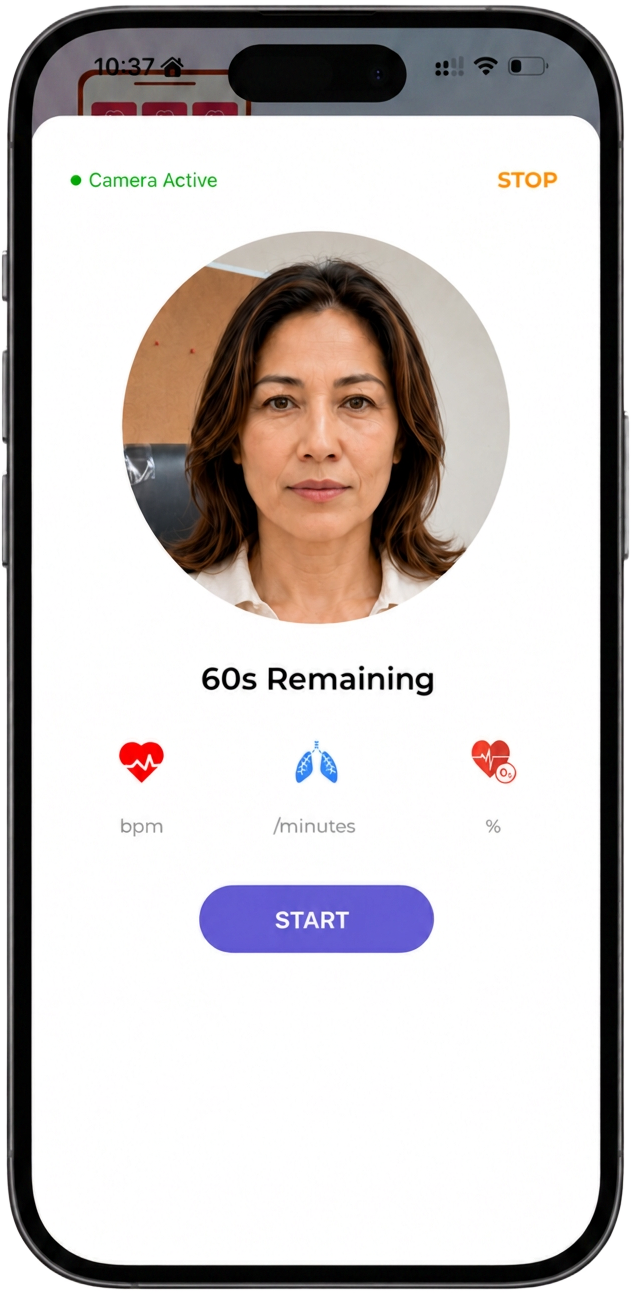
The JBA AI app only requests the permissions necessary to support the experience, such as camera access for certain guided steps.
Some features or availability may vary by region, the installed app version and current release conditions.
Step 1
Check that your phone model, operating system and camera meet the current requirements for the JBA AI app.
Step 2
Install the app, then review each requested permission and decide which ones you want to grant for the guided experience.
Step 3
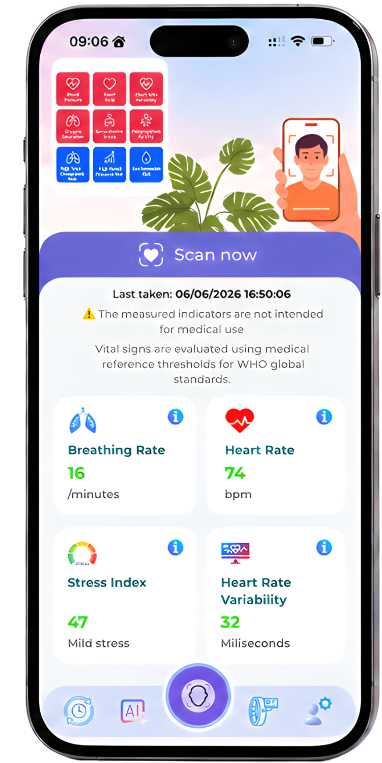
Open the JBA AI app, follow the on-screen guidance and start building your personal history step by step within the JBA AICare ecosystem.
You decide which permissions are granted, which information is shared and who can view content you have authorized. Sharing with family or supporters only begins when you actively choose it and can be reviewed when your needs change.
Begin with the JBA AI™ app on the compatible phone you already have. When your needs change, you can connect a Band, Watch or Ring.
Your personal journey is designed to continue inside the same BioBaseline™ and JBA AICare™ ecosystem.
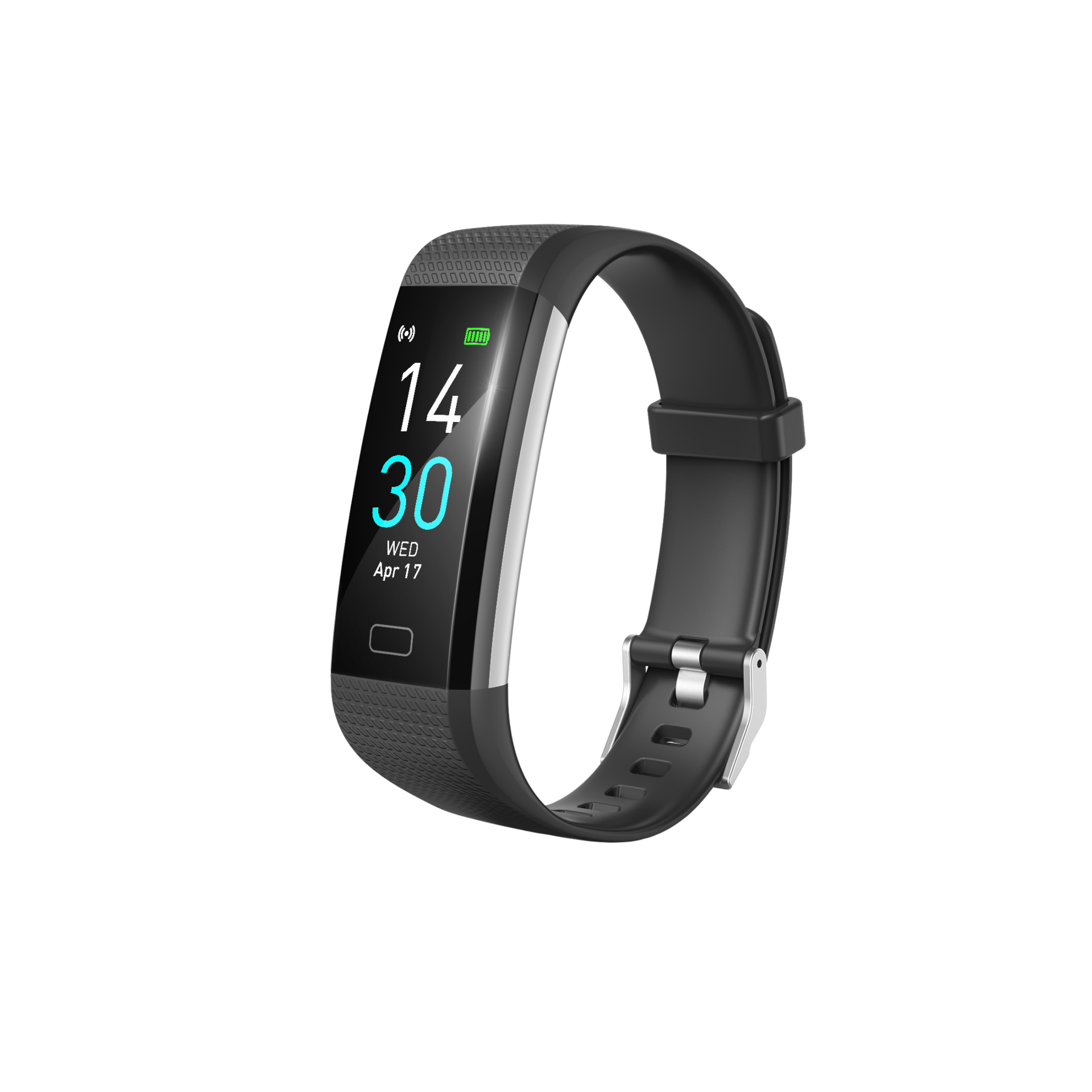
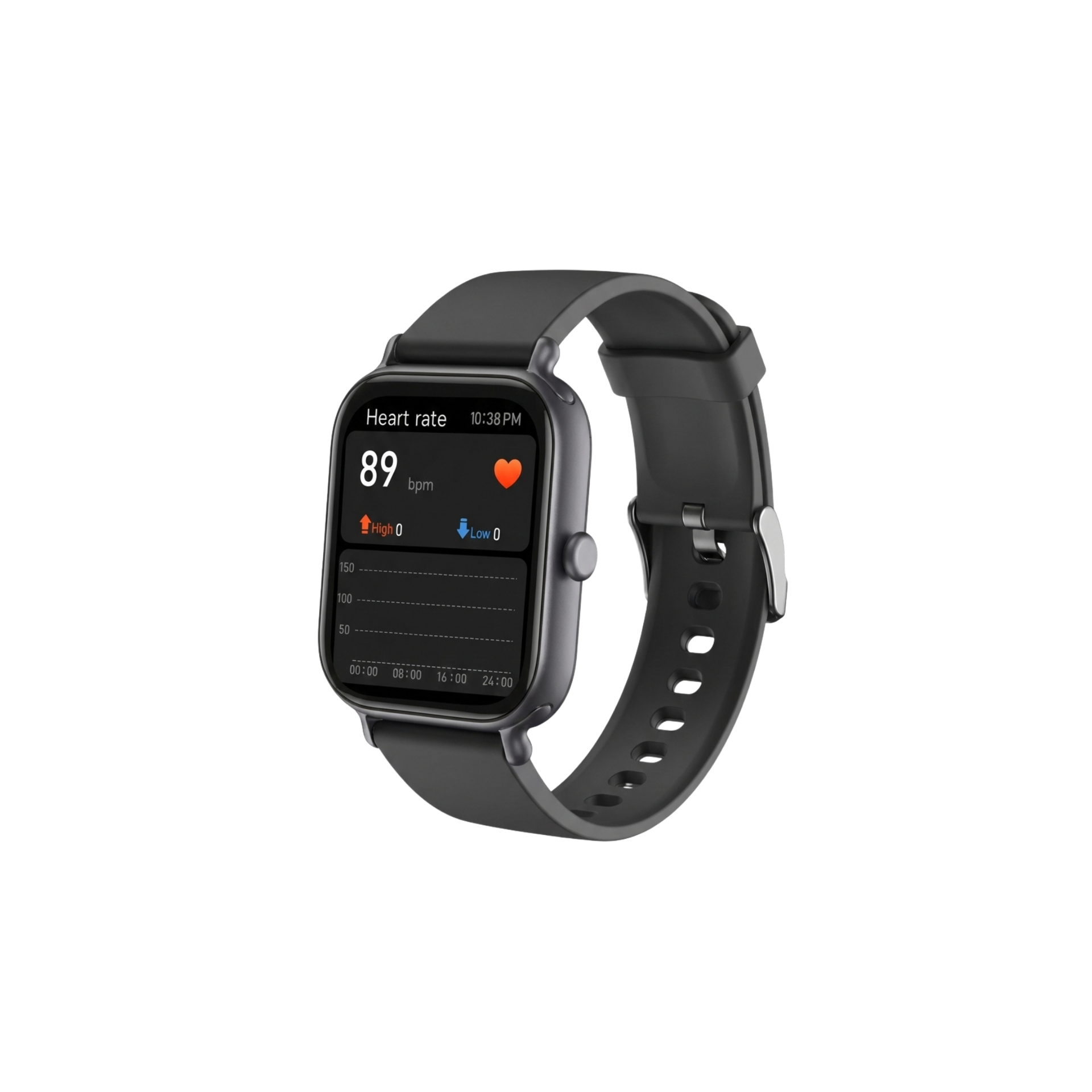

Check compatibility and start with the JBA AI™ app on the compatible phone you already have. When your needs change, you can always add a Micro-HUB™ that fits — inside the same JBA AICare™ ecosystem.